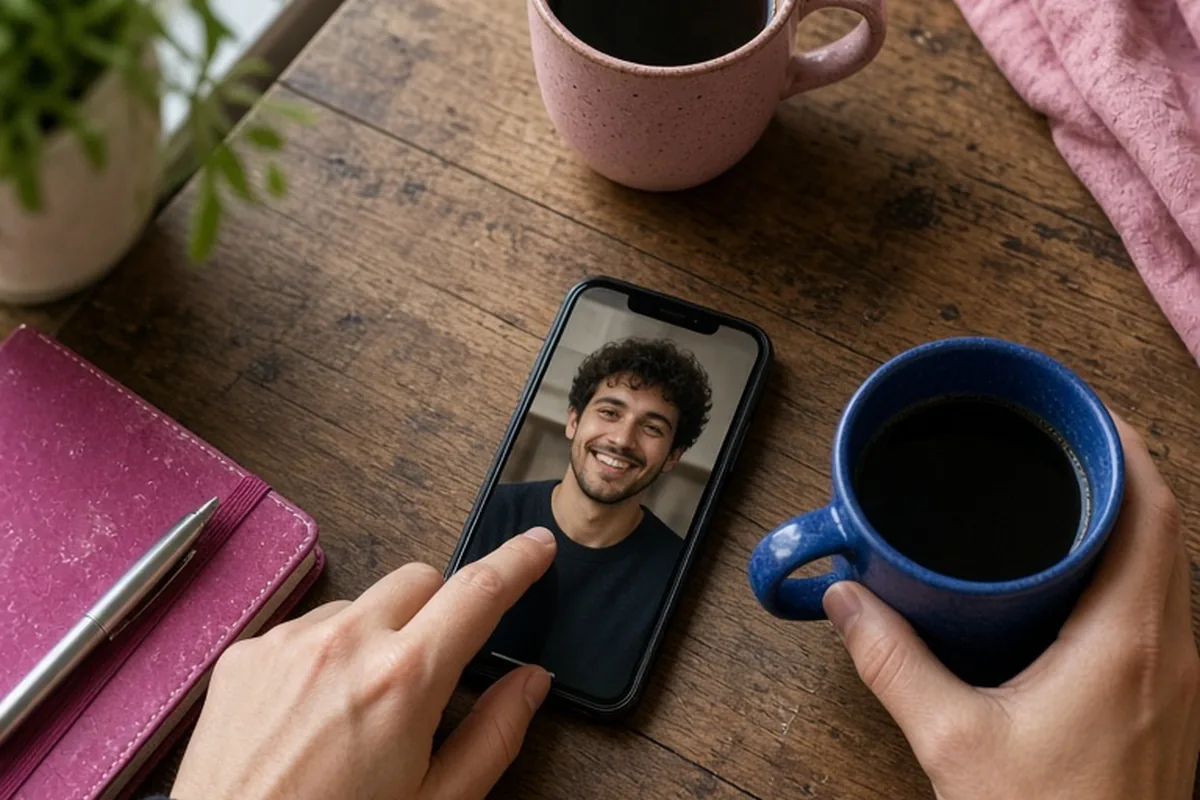
To check an image source in online dating, upload or paste the photo's web address into dedicated reverse image search engines like Google Images, TinEye, or Yandex. This reveals whether the picture belongs to a public figure, a stock photo library, or an existing social media profile under a different name, helping you spot catfishing and verify that your match is authentic before meeting.
Meeting people through dating apps and online queer communities offers wonderful ways to connect, but it also requires practical discernment when assessing who is on the other side of the screen. Checking the origin of a profile photo is one of the simplest, most effective steps you can take to safeguard your emotional energy and personal security.
Why Verifying an Image Source Protects Your Online Connections
Digital connection has transformed modern romance, particularly for LGBTQ individuals who may rely on specialized apps to find community, dating partners, or shared intimacy outside of limited local scenes. However, the visual nature of these platforms makes them susceptible to deceptive behavior such as catfishing, romance scams, and unauthorized identity duplication. When someone uses photographs that do not belong to them, the motivation might range from personal insecurity to malicious financial fraud or deceptive emotional manipulation. Taking a moment to investigate an image source provides an objective baseline, allowing you to confirm that the person engaging with you represents themselves honestly.
Beyond avoiding active deception, running a simple photo check helps you establish healthy emotional boundaries early in the interaction. Investing time, vulnerability, and feelings into someone who is not who they claim to be can lead to significant distress and lingering distrust. While skepticism should not replace openness, verifying public visuals gives you peace of mind. It ensures that the vulnerability you offer is received by a genuine individual rather than a fabricated persona, creating a solid foundation of mutual respect right from the beginning.
How to Run an Accurate Reverse Image Search on Any Device
Finding the source of an image is a straightforward process that requires only basic tools and a few moments of your time. If you are using a desktop browser, you can save the match's profile picture or copy its direct web address, navigate to a search engine like Google Images or TinEye, and upload the file directly into the visual search bar. TinEye is particularly helpful for tracking the oldest known instance of a picture across the web, while Google Lens excels at identifying matching facial compositions, context clues, and related visual assets across diverse platforms.
On a smartphone, the easiest method is to take a clear screenshot of the profile photo, crop out app borders or text overlays, and open the image within the Google app or your mobile browser's visual search feature. You can also utilize specialized reverse search engines like Yandex, which uses facial recognition algorithms that often detect identical faces across different poses or alternate angles. If a search returns multiple active profiles with conflicting names, locations, or personal biographies, you have immediate, tangible data indicating that the photo has likely been scraped without permission.
Recognizing Red Flags in Search Results and Metadata
Understanding what reverse search results actually mean is just as critical as performing the search itself. If your search leads directly to a stock photography website, a modeling portfolio, or an influencer's public social media account with tens of thousands of followers under an entirely different name, the profile you are speaking with is almost certainly fraudulent. Similarly, finding the exact same image linked to multiple different dating profiles in distant cities is a classic hallmark of syndicated romance scams designed to target multiple individuals simultaneously.
Conversely, you should also pay attention to a complete lack of results, which can happen for several valid reasons. Search engines do not index private social media accounts, encrypted messaging apps, or newly taken photos that have never been uploaded elsewhere. Therefore, zero search hits does not automatically guarantee authenticity, just as finding an image on an external site does not always imply malicious intent. Look at the broader picture: combine your visual search findings with the person's conversational consistency, their willingness to communicate in real time, and the plausibility of their background details.
Navigating AI-Generated Faces and Modified Photos
As digital tools evolve, deceptive profiles increasingly rely on artificial intelligence to generate unique, synthetic portraits that have no prior footprint on the internet. Because these AI-generated faces do not exist elsewhere online, traditional reverse image searches may return zero matches, giving a false sense of security. To detect synthetically created portraits, look closely at fine structural details such as unnatural symmetry in the pupils, mismatched earrings, warped or blurry background elements, and strange blending around hair strands or necklines.
Additionally, many authentic daters use subtle filters, contrast adjustments, or aesthetic editing tools on their personal pictures. Distinguishing between standard self-expression and deceptive alteration comes down to intent and scale. A person smoothing their skin tone or adjusting lighting is presenting an edited version of themselves, whereas someone using heavy structural alterations or an entirely fabricated computer model is misrepresenting their core identity. When visual searches prove inconclusive, relying on real-time verification methods becomes the most reliable safety check.
Safety and Privacy Considerations in LGBTQ Dating
While verifying authenticity is vital, navigating visual identity in LGBTQ spaces requires sensitivity toward privacy and safety constraints. Many queer individuals remain closeted to family members, employers, or broader social circles due to genuine risks of discrimination, housing instability, or professional repercussions. Consequently, a match might use photos that crop out identifying landmarks, avoid showing their full face, or utilize separate, compartmentalized social profiles specifically designated for dating.
Recognizing this nuance helps you distinguish between someone protecting their personal safety and someone maliciously orchestrating a scam. An individual prioritizing privacy for safety reasons will usually communicate their boundaries transparently, offer alternative ways to verify their identity privately, and maintain consistency in their stories. In contrast, bad actors avoid transparency, create elaborate excuses to avoid live interactions, and frequently push for rapid emotional attachment or financial assistance while hiding behind fabricated pictures.
How to Address Profile Inconsistencies with Empathy and Clarity
If an image source search reveals that someone is using stolen or misleading pictures, how you respond depends on your safety and emotional investment. If the evidence clearly indicates an automated bot, a romance scammer, or a commercial phishing attempt, the safest and most constructive choice is to report the profile through the dating platform and block the account immediately. Engaging in an argument with a professional scammer yields no benefit and may expose you to further harassment or manipulation.
However, if you have established an ongoing dialogue with someone and encounter a mild ambiguity—such as finding their photos under an alternate nickname or noticing outdated pictures—you can address the issue directly without hostility. You might say, 'I value openness and want to make sure we are both on the same page before we meet. Would you be open to a quick five-minute video call or swapping a real-time selfie today?' A genuine person interested in your comfort will readily accommodate a brief live check, whereas a deceptive individual will often deflect, invent sudden crises, or become defensive.
Frequently asked questions
Can a reverse image search find photos from private social media accounts?
No, standard search engines like Google and TinEye cannot index images hosted inside private profiles or closed messaging platforms. A search only displays photos that have been publicly indexed on websites, open social pages, news articles, or stock repositories.
What should I do if my own photos are being used by another dating profile?
Take screenshots of the fraudulent profile including usernames and profile details, then report the impersonation directly to the dating app's moderation team. Most major platforms have clear protocols to remove stolen likenesses and ban offending accounts.
Is asking for a short video call considered rude before an in-person date?
Not at all; requesting a brief two-to-three-minute video chat is a standard, widely accepted safety practice in modern online dating. It confirms mutual authenticity, eases first-date anxiety, and ensures both parties feel comfortable moving forward.
Your next step
Choose one match you are currently chatting with and run their main profile photo through a reverse image search tool or suggest a brief video check-in to confirm your connection is authentic.