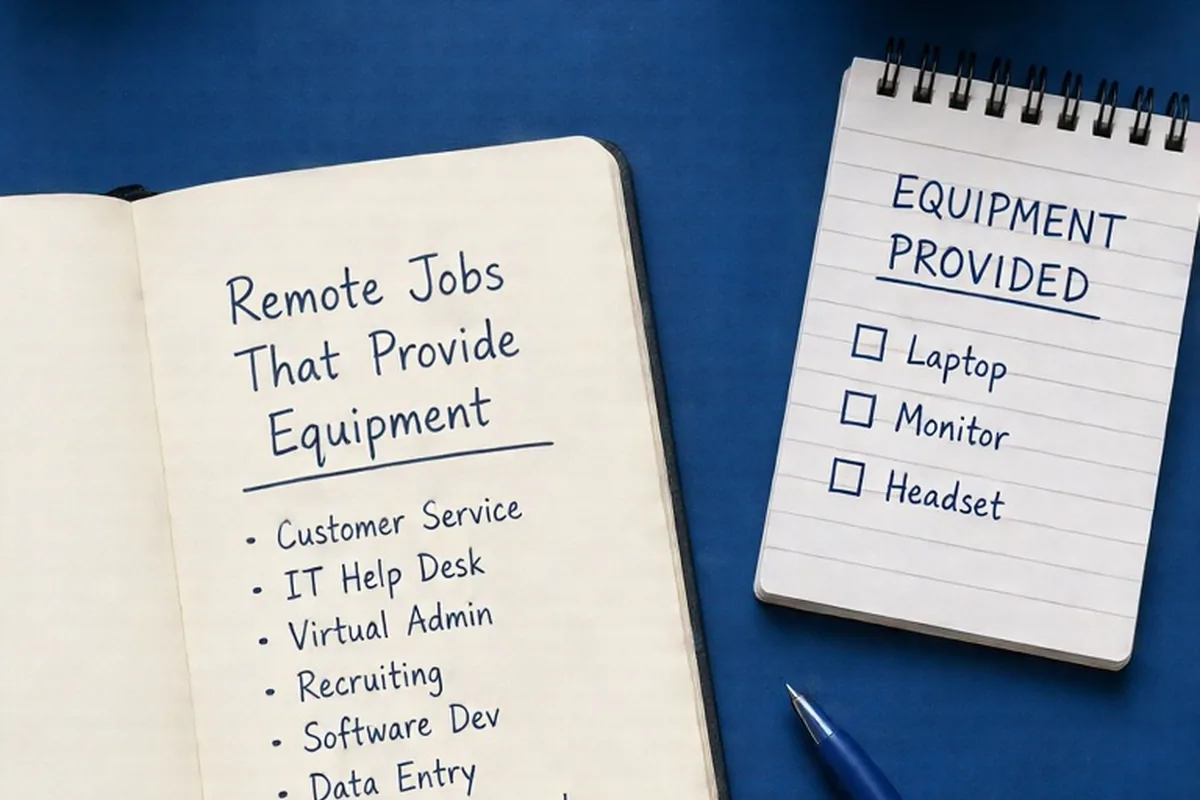
Remote jobs that provide equipment include customer service roles, IT help desk positions, virtual administration, corporate recruiting, software development, healthcare data entry, and sales development. Companies typically supply hardware through pre-configured corporate laptops, enterprise monitors, headsets, or upfront home-office stipends. Legitimate employers ship devices directly or reimburse approved vendor receipts; they will never ask you to pay out of pocket via personal checks or wire transfers.
Transitioning into a remote career often involves unexpected setup expenses, from high-performance computing hardware to ergonomic peripherals. Many employers supply these tools directly to ensure digital security and equitable access for their distributed workforce.
Entry-Level and Customer Support Roles Supplying Company Hardware
Inbound customer service, technical support, and claims processing positions represent a substantial share of remote roles that supply complete workstation bundles. Employers in financial services, telecommunications, insurance, and retail logistics handle sensitive consumer records, payment card information, and proprietary account data. Because of strict regulatory compliance frameworks, these companies rarely permit the use of personal computers. Instead, employers provision standardized equipment packages directly to an employee's residence before their official start date.
A typical equipment bundle for a remote support professional includes a desktop mini-tower or enterprise-grade laptop, dual monitors, a USB noise-canceling headset, a webcam with a physical privacy shutter, an ethernet cable, and a docking station. Some organizations also supply dedicated VoIP hardware or secure physical tokens for multi-factor authentication. Training schedules for these positions are usually tightly coordinated with device delivery tracking, ensuring new hires have operational hardware during onboarding.
- Customer Experience Specialist: Inbound customer inquiries, order management, and chat support, usually furnished with a corporate laptop, secondary monitor, and headset.
- Tier 1 IT Help Desk Technician: Password resets, software installation tickets, and hardware troubleshooting, commonly supplied with dual displays and testing environments.
- Inbound Insurance Claims Representative: Processing initial claim submissions and customer verification, often backed by proprietary company-locked hardware.
Administrative, Operations, and Healthcare Positions Furnishing Work Gear
Administrative and healthcare-adjacent roles increasingly offer employer-supplied devices to satisfy confidentiality standards such as health information privacy rules. Medical billers, patient service coordinators, digital medical scribes, and healthcare data entry clerks interact directly with electronic health record systems. To prevent unauthorized data exports or unmanaged local storage, healthcare providers and billing agencies deploy locked-down hardware running virtual desktop infrastructure or enterprise mobile device management systems.
Beyond healthcare, corporate operations roles—such as recruiting coordinators, executive virtual assistants, and contract administrators—frequently receive company-owned hardware. These employees manage confidential personnel files, executive calendars, and legal agreements. Providing a dedicated device ensures that sensitive business communications remain isolated from personal browsing, consumer software installations, and domestic network vulnerabilities.
- Remote Medical Biller or Coder: Securely accessing patient records, diagnostic coding software, and claims portals using encrypted company terminals.
- Patient Intake and Scheduling Coordinator: Managing tele-health queues, phone inquiries, and calendar booking via pre-configured softphone systems.
- Recruiting Operations Coordinator: Handling offer letter generation, background check documentation, and onboarding logistics on corporate devices.
Technical, Design, and Analytical Roles Offering High-Performance Gear
Mid-level and senior knowledge workers in software engineering, data science, cybersecurity, and visual product design demand specialized computing configurations. Standard office laptops often lack the processing power, memory, or graphical capability required for local containerization, machine learning training sets, or rendering workflows. As a result, engineering and design organizations standardly furnish premium hardware tailored to the technical discipline.
Engineering hires typically receive high-spec laptops running macOS, Linux, or specialized Windows enterprise builds, accompanied by expansive high-resolution displays, mechanical keyboards, and high-bandwidth docking hubs. Creative roles often include color-accurate monitors, digital drawing tablets, and direct licenses for professional creative software suites. Because these roles directly impact product development velocity, tech companies frequently implement automated device refresh cycles every two to three years.
- Full-Stack Software Engineer: High-memory laptops capable of compiling large codebases and running virtualized container environments.
- Data Analyst and Business Intelligence Developer: Multi-display desktop environments optimized for complex SQL modeling, spreadsheet computation, and dashboard rendering.
- Cybersecurity Operations Analyst: Dedicated monitoring machines running hardware-level encryption and isolated network analysis utilities.
Hardware Provisioning Models: Direct Shipment vs. Home-Office Stipends
Companies approach equipment provisioning through two primary mechanisms: direct corporate logistics or financial stipends. Direct provisioning involves an employer purchasing, configuring, and shipping assets straight from their central IT warehouse or an enterprise IT vendor. These machines come with pre-loaded mobile device management profiles, endpoint protection software, and corporate virtual private network configurations. In this framework, the employer retains full ownership of the assets and assumes responsibility for warranty repairs, hardware replacements, and return shipping.
Conversely, some organizations distribute home-office stipends or monthly technology allowances. A setup stipend is typically a one-time cash disbursement provided during the first few pay periods, intended to cover desks, ergonomic chairs, monitor arms, or external accessories. Alternatively, a monthly tech allowance assists with home internet and mobile phone usage. It is essential to distinguish between a hardware allowance, where the employee purchases and owns their peripherals, and direct corporate issuance, where hardware remains company property that must be cataloged and eventually returned.
How to Identify Equipment Policies in Job Postings and Interviews
Job descriptions often use specific terminology to signal their equipment policies. Phrases like 'company-issued laptop,' 'hardware provided,' 'MDM-managed workstation,' or 'all tech gear supplied' clearly denote direct provisioning. If a posting states 'Bring Your Own Device' (BYOD) or lists minimum operating system and internet speed specifications as candidate requirements without mentioning hardware support, the applicant is generally expected to use personal equipment.
When interviewing, candidates can tactfully inquire about technical infrastructure during the hiring manager or HR conversation. Asking practical logistical questions demonstrates operational readiness without appearing demanding. Appropriate points of inquiry include asking what operating system the team standardizes on, whether secondary displays or accessory allowances are provided, and how the company handles device replacements in the event of hardware failure during standard operations.
- Ask about IT setup: 'Could you share which operating system and development or operational tools your distributed team standardizes on?'
- Ask about logistical timelines: 'Are work devices and peripherals shipped in advance of the first training day, or is onboarding completed on a personal machine?'
- Clarify accessory policies: 'Does the company supply auxiliary peripherals like headsets and secondary monitors, or do you provide a home-office stipend for workspace setup?'
Equipment Scam Red Flags and How to Protect Yourself
Work-from-home job seekers are frequent targets of sophisticated equipment fraud schemes. In a standard fake-check scam, an illegitimate recruiter contacts a candidate via encrypted messaging apps or text, conducts a superficial text-only interview, and sends an immediate job offer. The fraudulent employer then sends a counterfeit check or money order, instructing the new hire to deposit the funds into their personal bank account and forward the money to a specific 'approved vendor' to purchase a laptop, printer, or specialized software.
When the initial check inevitably bounces days or weeks later, the bank reverses the deposit, leaving the job seeker responsible for the entire transferred amount, while no equipment ever arrives. Legitimate employers coordinate directly with reputable enterprise suppliers or ship pre-configured devices from their corporate offices. A company will never send a check with instructions to wire funds, buy gift cards, or purchase equipment through an unverified third-party portal.
Job seekers should verify that recruiting communications originate from official corporate email domains rather than generic free webmail accounts. Furthermore, unsolicited job offers that do not involve formal video interviews, phone assessments, or verified HR portals should be treated with extreme caution before sharing personal or banking information.
Further reading: FTC: Job scams
Tax, Ownership, and Return Logistics for Remote Workers
Understanding asset ownership is critical when leaving a remote position or managing household taxes. Equipment supplied directly by a W-2 employer remains the legal property of the company. It does not count as taxable income to the employee, provided the equipment is utilized for ordinary business operations. When employment terminates—whether through resignation, contract completion, or layoff—the employer typically provides prepaid return packaging, labels, and tracking slips to retrieve their assets. Failing to return corporate hardware can lead to payroll deductions where permitted by local labor law, or civil collection efforts.
Cash stipends and reimbursement policies operate under different financial rules depending on employment classification. W-2 employees receiving non-accountable cash bonuses for office setups may see that income reported on their Form W-2 as taxable fringe compensation unless processed under an accountable plan requiring itemized receipts. Independent 1099 contractors, by contrast, are self-employed and generally responsible for providing their own tools, though they may deduct qualifying home-office equipment expenses on their business tax filings in accordance with prevailing tax codes.
Illustrative Scenarios
Navigating Hardware Provisioning Across Distributed Roles
An applicant accepted a remote customer support coordinator role at a national health-services firm. During the hiring phase, the employer verified shipping logistics and delivered a locked enterprise mini-PC, dual monitors, and an encrypted VoIP headset three business days before the orientation date. Concurrently, the employee was given a small one-time stipend to assist with a home desk chair. When the employee later transitioned to another department, the IT unit issued automated return boxes for the original hardware bundle while deploying a replacement laptop configured with advanced administrative tools.
Key point: Legitimate remote employers manage device deployment and return logistics through automated corporate IT channels, separating direct hardware provisioning from discretionary workspace comfort stipends.
Frequently asked questions
Do remote jobs supply internet service and home office furniture?
Most companies providing equipment focus strictly on computing hardware, including laptops, monitors, docking stations, and security peripherals. While some organizations offer a monthly internet subsidy or a one-time furniture stipend, providing desks and chairs directly is uncommon due to freight logistics.
What happens if company-provided equipment breaks accidentally?
Legitimate employers carry enterprise warranties and equipment insurance. If a hardware failure or accidental damage occurs during ordinary work duties, the employee reports the incident to the internal IT service desk, which typically coordinates warranty repair or ships an advance replacement unit.
Can I use company-provided laptops for personal tasks?
Most corporate hardware is monitored via enterprise endpoint management software, web filters, and activity logs. To maintain personal privacy and adhere to corporate data security policies, personal browsing, private email, and non-work software installations should be kept strictly to personal devices.
Can a company ask for a security deposit before shipping a laptop?
No legitimate employer asks candidates or new hires to pay a security deposit, application fee, or shipping charge for standard work equipment. Any request for upfront payment before sending hardware is a hallmark indicator of an employment scam.
Your next step
Review active job listings for clear mentions of company-provided hardware, verify the employer's official recruitment domain, and prepare specific questions regarding IT provisioning timelines for your next interview.