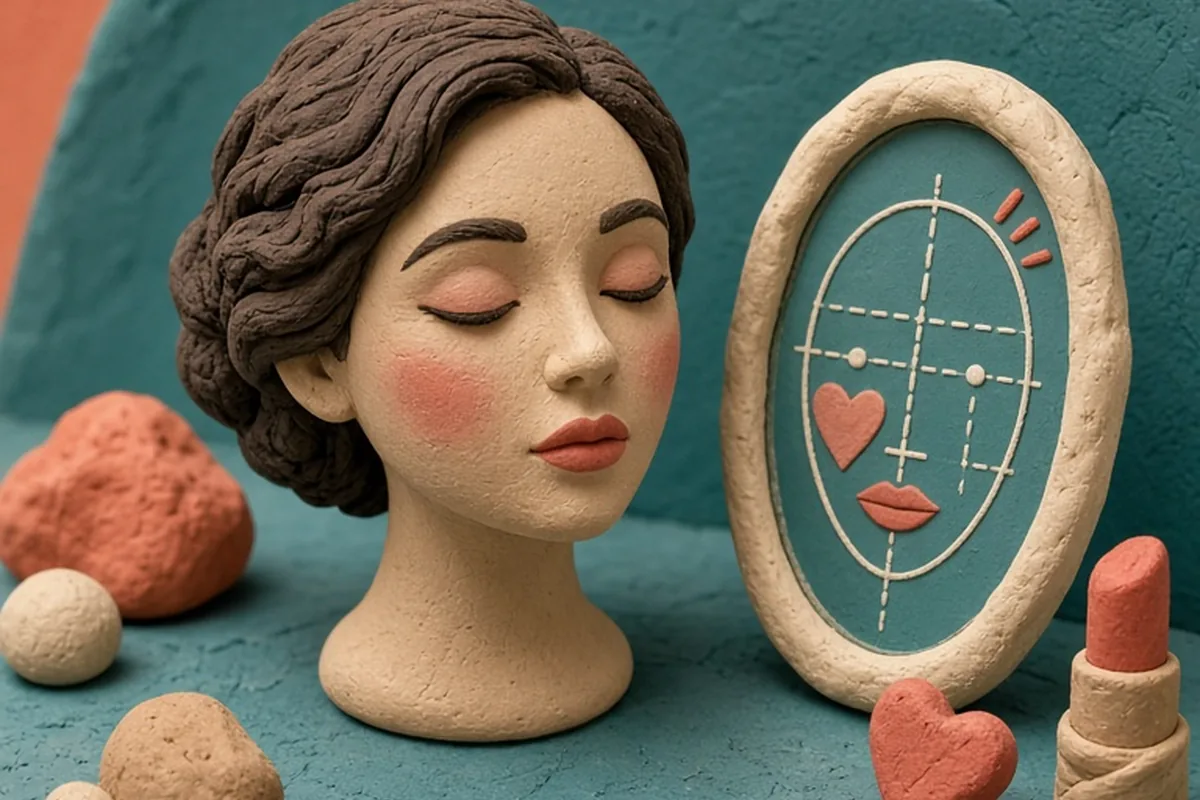
AI makeup matchers analyze your facial features by scanning a photo or video to evaluate your face shape, skin undertone, eye structure, and natural contrast levels. These tools recommend personalized blush placement, flattering lipstick shades, contour mapping, and eye makeup techniques tailored to your unique proportions, helping you experiment virtually before purchasing products or changing your daily routine.
Figuring out which makeup styles complement your individual facial architecture often involves extensive trial and error. Modern computer vision tools simplify this exploration by mapping your distinctive features and offering customized cosmetic placement guidance.
How AI Analyzes Facial Proportions, Undertones, and Features
Digital beauty algorithms rely on computer vision and facial landmark detection to evaluate your face. When you upload an image or turn on a live camera filter, the software identifies dozens of spatial coordinates across your forehead, temples, cheekbones, jawline, and nose bridge. By measuring the relative distances and angles between these points, the system calculates your geometric ratios rather than relying on subjective guesswork.
Beyond structural geometry, advanced tools examine the pixel data in evenly lit areas of your skin to estimate your color profile. The algorithm isolates your surface tone—such as fair, medium, or deep—and measures subtle yellow, pink, neutral, or olive pigments beneath the surface to determine your undertone. It also calculates facial contrast by assessing the difference in value between your skin, eyes, and natural hair color.
While these automated scans provide immediate insights, their accuracy depends heavily on your digital environment. Front-facing phone cameras often use wide-angle lenses that subtly distort facial width when held too close, and automatic white balance settings can shift a cool complexion warm. Treating the initial scan as a baseline reading allows you to leverage algorithmic precision while accounting for technological limitations.
Determining Face Shape and AI-Driven Sculpting Placement
Traditional beauty advice often forces people into rigid face shape categories like oval, round, square, heart, or diamond. However, most individuals possess a hybrid structure, such as a soft rounded jawline combined with a wide, angular forehead. AI tools calculate the exact ratio of your face length to width, alongside the curvature of your jaw and cheekbone prominence, providing a nuanced assessment of your true silhouette.
Based on these exact measurements, the software generates customized contour and highlight maps designed to balance your specific proportions. For instance, rather than suggesting a generic hollow-of-the-cheek contour, an algorithm might instruct someone with a lower cheekbone structure to place contour slightly higher along the zygomatic arch to create an optical lift. Similarly, blush placement might be adjusted higher toward the temples for rounder faces or concentrated on the center apples to soften longer facial structures.
To get the most value from these recommendations, verify the digital map against your tactile bone structure. Gently press your fingers along your cheekbones and jaw to feel where the bone dips and curves naturally. Combining the algorithmic visual guide with your physical anatomy ensures that your bronzer, contour, and blush enhance your real-life dimension rather than looking misplaced in natural light.
Navigating Color Harmonies and Virtual Shade Matching
Finding flattering cosmetic shades requires aligning your makeup with your natural color harmony. AI shade matchers evaluate your undertone and contrast level to curate complementary palettes for your lips, cheeks, and eyes. If the tool detects cool undertones and high contrast—such as fair skin with dark hair—it might suggest crisp berry lipsticks and slate eyeshadows rather than warm terracottas, which can appear muddy on cool skin.
For complex undertones like olive or muted neutral, automated color analysis can be particularly helpful. Olive complexions contain green or gray casts that often make conventional warm foundations look too orange and cool foundations look too pink. AI systems trained on diverse color ranges can identify these subtle chromatic balances and recommend foundations, concealers, and lip tints formulated with balanced neutral or greenish bases.
Keep in mind that digital screens display color using emitted RGB light, whereas physical makeup relies on reflective pigments interacting with your skin's natural oils. A lipstick shade that appears vibrant and seamless on a backlit screen may translate slightly more sheer or intense in person. Use virtual shade recommendations as an accurate tonal guide to narrow down your color family before swatching physical formulas.
Tailoring Eye Makeup to Your Eye Shape, Tilt, and Lid Space
Eye makeup application is highly dependent on microscopic anatomical differences, including visible mobile lid space, crease depth, brow bone projection, and outer corner tilt. AI mapping identifies whether your eyes are hooded, deep-set, monolid, prominent, almond, or round, and measures whether your outer corners tilt upward or downward relative to your inner corners.
These measurements inform specific eyeliner and eyeshadow placement suggestions. If the tool identifies hooded lids, it will generally recommend applying eyeshadow slightly above the natural crease so the color remains visible when your eyes are fully open. For downturned eyes, the system might map a wing that starts earlier along the lash line and angles upward to visually elevate the outer corner, avoiding the heavy look that occurs when liner follows the downward lash slope.
Mascara and lash styling suggestions also benefit from this mapping. AI tools can show how different false lash clusters or mascara styles alter your eye spacing. For close-set eyes, focusing volume and length on the outer third creates the illusion of width, while wide-set eyes benefit from balanced application across the entire lash line to bring harmony to the upper face.
How to Prepare Your Photo for the Most Reliable Results
The quality of an AI makeup recommendation depends entirely on the quality of the input image. If your photograph is taken under warm indoor lighting or at a steep downward angle, the algorithm will miscalculate your skin undertone and distort your facial proportions. Following standardized preparation steps ensures the software analyzes your true features accurately.
Ensure your face is completely bare and free of previous makeup, which can alter automated color detection. Position yourself directly facing a window with soft, indirect natural daylight to eliminate harsh shadows under your nose and eyes. Avoid direct sunlight, as strong beams create blown-out highlights that obscure your skin texture and natural bone depth.
- Position your camera directly at eye level and hold it at least an arm's length away to minimize wide-angle lens distortion.
- Pull your hair back completely from your forehead, temples, and jawline so the perimeter of your face is unobstructed.
- Turn off any built-in beauty filters, skin-smoothing tools, or automatic color corrections on your device before capturing the shot.
- Maintain a relaxed, neutral facial expression without smiling or raising your brows to prevent artificial asymmetry in the scan.
Translating Virtual Makeup Advice into Real-World Application
Once you receive your personalized AI recommendations, the next step is applying those insights with physical cosmetics. Virtual try-ons depict flawless digital overlays that do not account for skin texture, pore size, dryness, or natural oil production. Successfully bridging the gap between digital previews and real-world results requires selecting the right product textures and application tools.
If an AI tool suggests a sharp contour for your jawline, consider using a lightweight cream stick or finely milled powder rather than a heavy liquid pigment that might settle into fine lines. Similarly, if the digital simulation suggests an intense matte lip that feels drying in daily wear, you can achieve the same flattering color harmony by choosing a hydrating satin lipstick, tinted balm, or lip oil in that recommended color family.
Treat AI suggestions as an educational roadmap rather than a set of mandatory rules. Use the algorithm to discover placement angles and color combinations you might not have considered on your own, then adapt those techniques to fit your personal aesthetic, comfort level, and daily routine.
Frequently asked questions
Can AI makeup tools accurately detect olive or neutral undertones?
Yes, many modern tools can detect nuanced olive and neutral undertones if the input image is captured in balanced, indirect natural light. However, warm indoor light bulbs or camera post-processing filters can distort these delicate pigments, leading to inaccurate shade recommendations.
Do AI makeup applications account for skin texture and maturity?
Most AI tools focus primarily on color harmony and facial geometry rather than physical skin texture. While they offer useful guides for color choice and product placement, you will need to select formulas, such as creams or hydrating liquids, that suit your specific skin type and texture.
Is a live camera try-on better than a static photo analysis?
Static photos taken in controlled, indirect natural daylight generally yield more accurate color and proportion measurements because camera sensors can process a clear, uncompressed frame. Live camera AR is excellent for testing how colors look as your head moves, but varying room lighting can cause the virtual shade to fluctuate.
Your next step
Take an unfiltered photo in indirect natural daylight with your hair pulled back, run it through an AI facial analysis tool, and practice one suggested technique—such as a new blush placement or lip undertone—using makeup you already own before buying new products.